Getting started
Tap Play to begin, or select a level from the level list. The introductory levels help you learn the controls before the difficulty increases.
Aim and fire
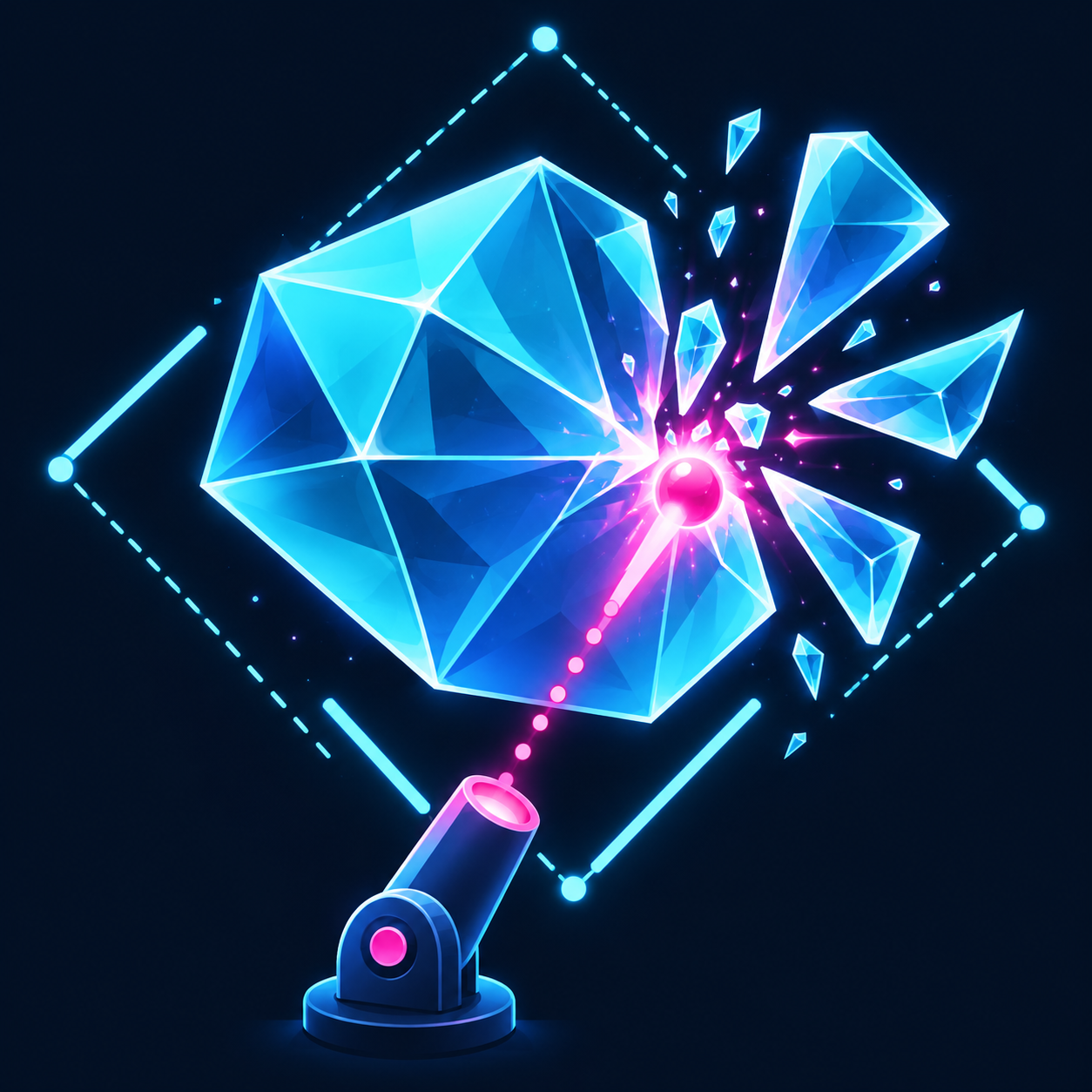
- Drag to aim, using the dotted trajectory guide to plan your shot.
- Release to fire.
- Double-tap to fire again at your current angle.
- Bounce shots off walls to reach the glass from different directions.
Complete a level
Break every glass shard before you run out of lives. Tougher shards require multiple hits.
A life is lost when the last ball from your shot leaves the play area. If you run out of lives, tap Retry Level to try again.
Collect power-ups
Hit exposed power-ups with a ball to activate them. Power-ups hidden behind glass become collectible once more than half of their area is exposed.
Depending on the level, pickups can multiply your balls, enlarge them or shatter additional glass. Purple portals transport balls to the cyan exit.
Earn stars and unlock levels
Complete levels efficiently and collect bonus cores to improve your star rating.
- Earn 40 total stars to unlock the main difficulty tiers.
- Earn 300 total stars to unlock Mythic levels.
- Replay levels to improve your best rating.
Upgrades and boosters
Open Upgrades to spend diamonds on cannons, moving platforms and boosters.
Before starting an eligible level, select a booster in the Select Boosters window. Tap its ⓘ button for a short explanation and demonstration video.
A booster charge is used when you fire your first shot. Available boosters include:
- Lock-In: temporarily holds the ball on a shard to deal repeated damage.
- Fireball: lets your first shot pass through a wall and blast nearby shards.
- Nuke: breaks a group of shards to give you a head start.
Diamonds
Earn diamonds by completing levels. You can also purchase diamond packs through Upgrades → Get More Diamonds.
Pause and help
Use Pause to take a break, ? for level instructions, the grid button to return to level selection, or Restart to begin the level again.